A walk through a sample site
I don't have client sites to show yet, so here's a sample I built. I'll explain what each part is for.
This is a sample, not a paying client. Northside Soft Wash is a made-up business. Its names, reviews and details are made up too, and its photos are AI-generated.
Part 1
The top of the page
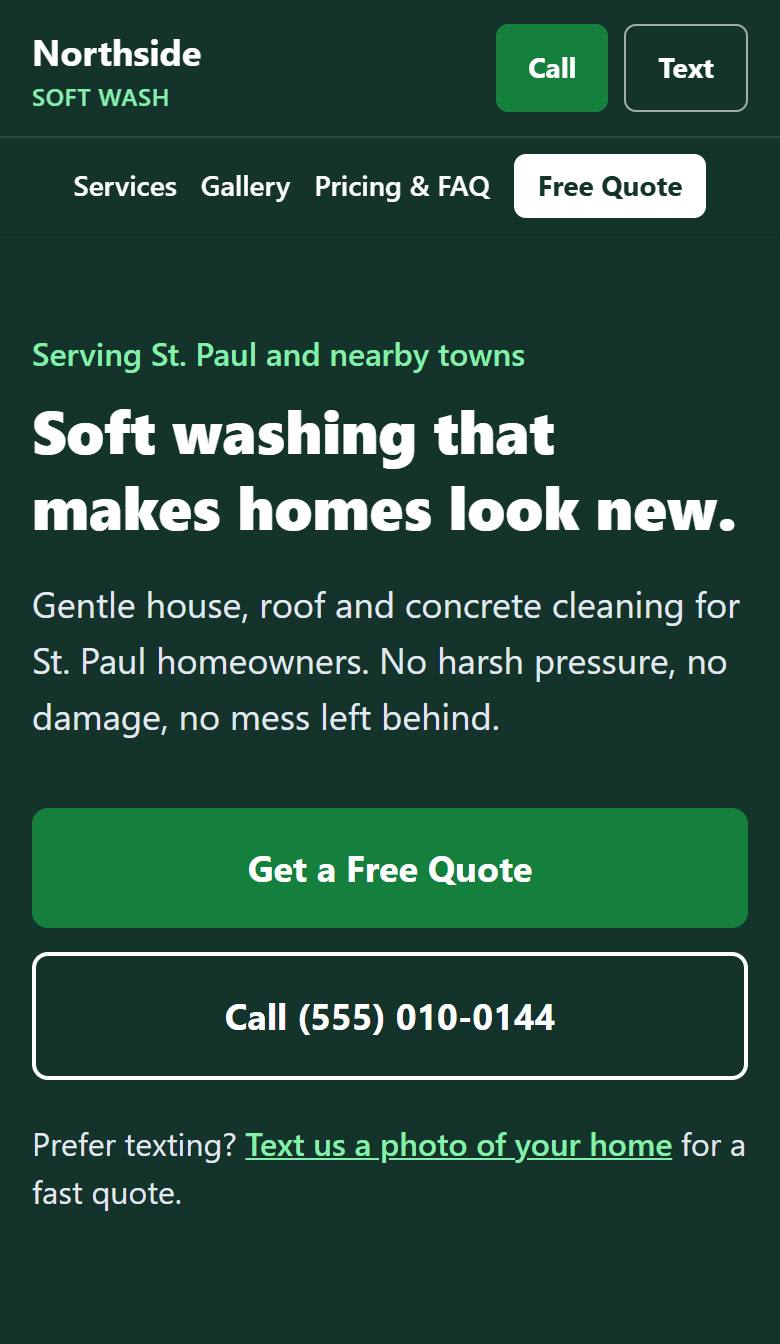
Visitors see what you do, where you work and how to reach you without scrolling. Call and Text buttons stay at the top of the screen on phones.
Sample site, made up for demonstration. Part 2
Your services
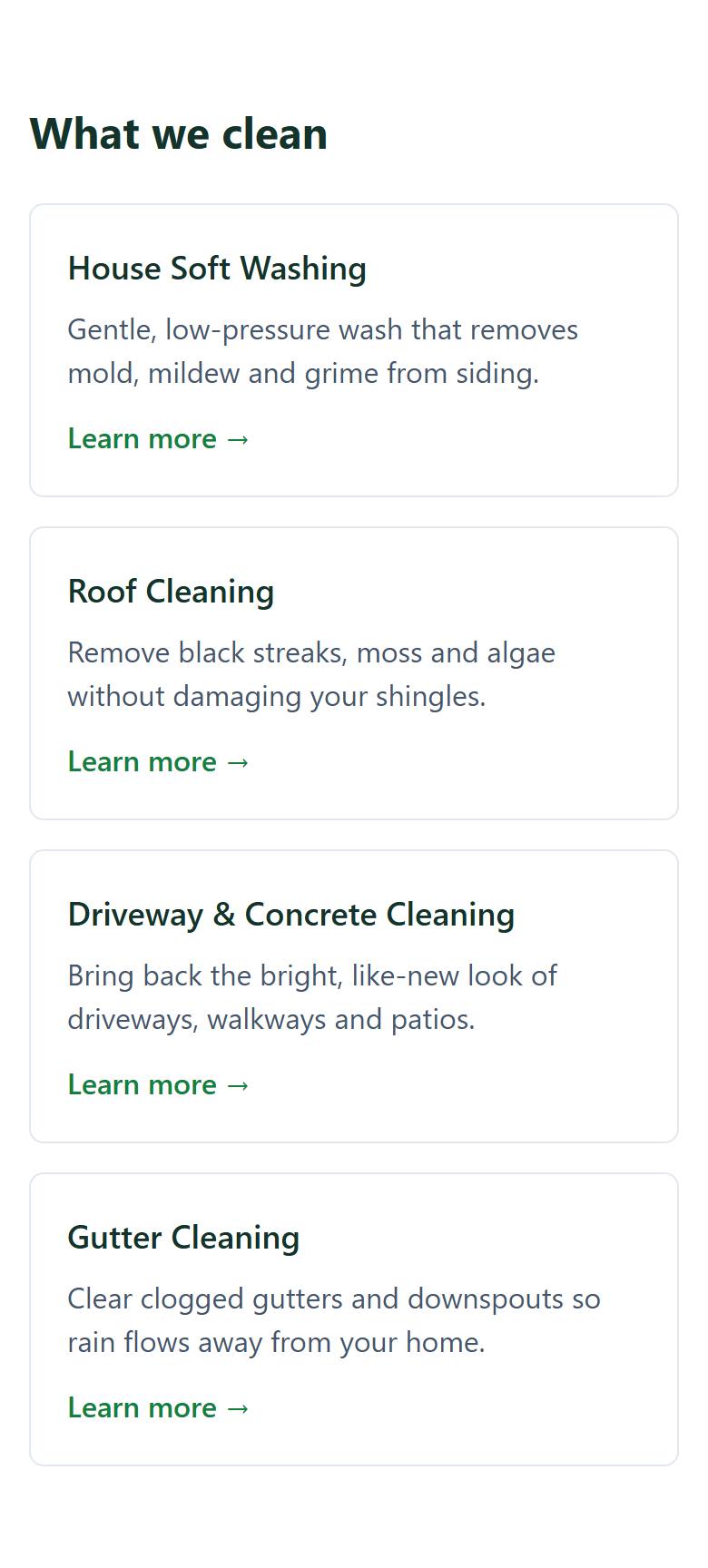
Each main service gets its own page, so homeowners can find the one they need and Google can see what you offer.
Sample site, made up for demonstration. Part 3
Before and afters
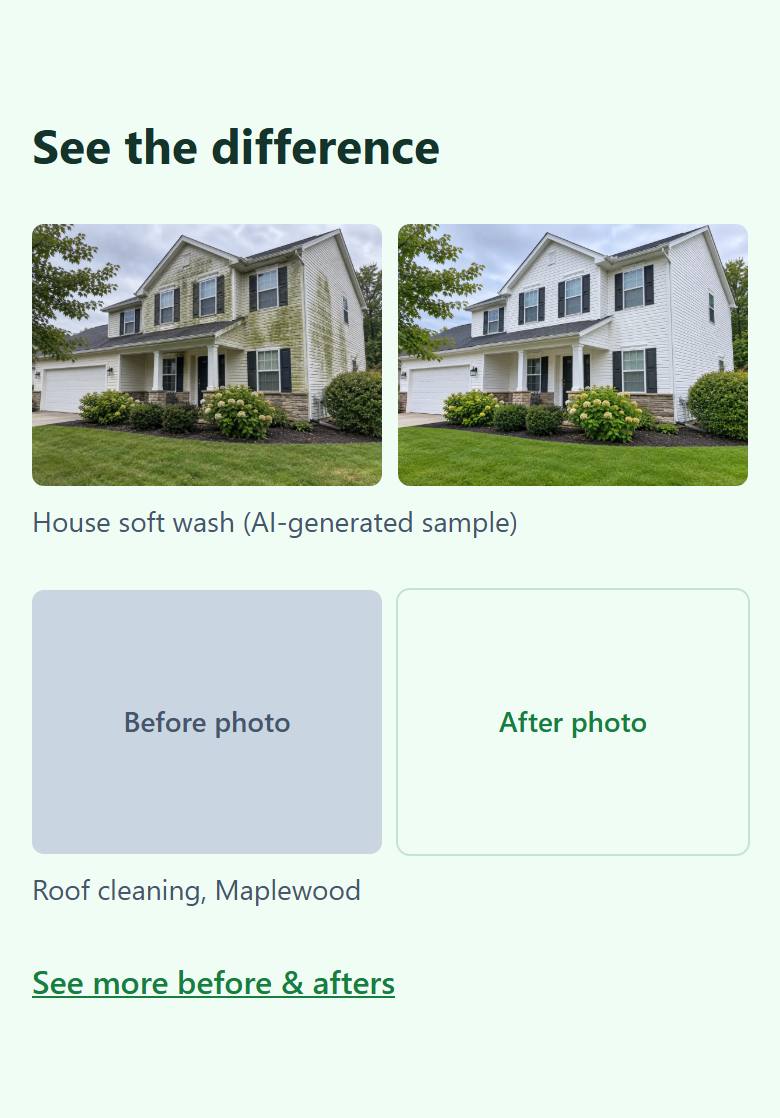
A place to show your work. The sample uses an AI image and gray placeholder boxes. Your site would use real photos from your own jobs.
Sample site, made up for demonstration. Part 4
How you work
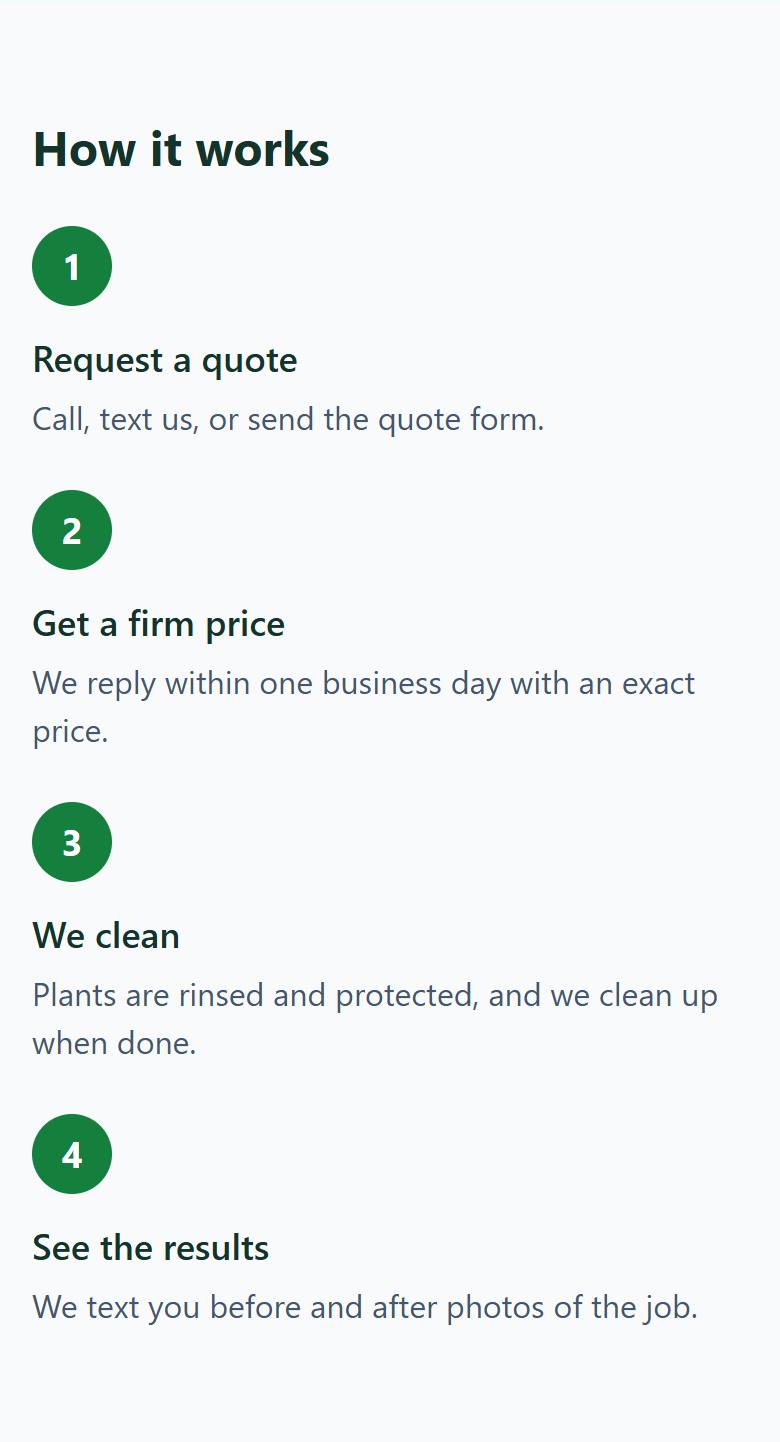
Clear steps tell a homeowner what happens after they reach out, so asking for a quote feels easy.
Sample site, made up for demonstration. Part 5
The quote form
Homeowners send their details and the services they want, and the request goes to your email.
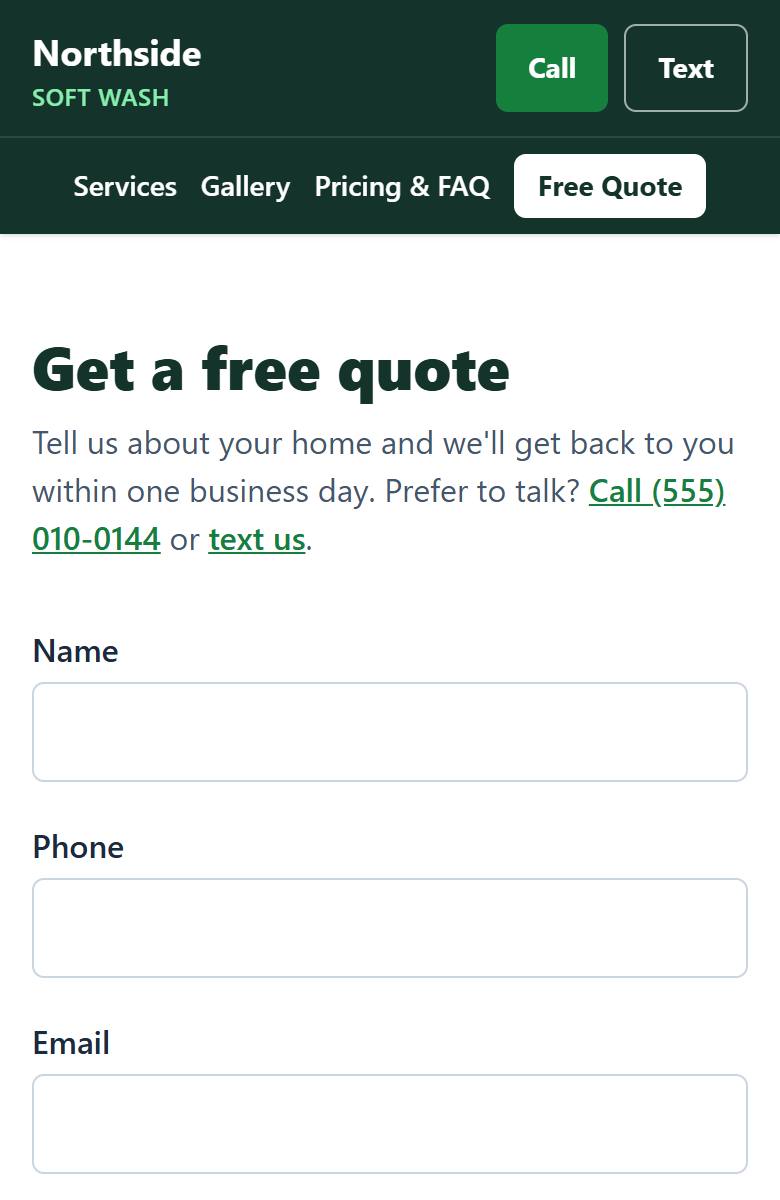
Sample site, made up for demonstration.
What only you can add
A sample can show the layout, but your story, your photos and your real reviews are what make a site yours. I only use details you confirm, and I never make up reviews.
Open the full sample site